 Inkwell
Try Inkwell's themes
Write freely.Own everything.
inkwell is a focused, beautiful markdown note-taking app for your desktop. Your notes are plain .md files in a folder you control: no lock-in, no noise, no account required.
Built around your files, not ours.
Local-first by design, rich where it counts, and connected only when you choose.
Local-first
Every note is a real .md file in a vault on your disk. Back it up, sync it, or open it in any other editor.

Rich, not heavy
Charts, tables, math, Kanban boards and a drawing canvas live right inside your markdown.

Connected
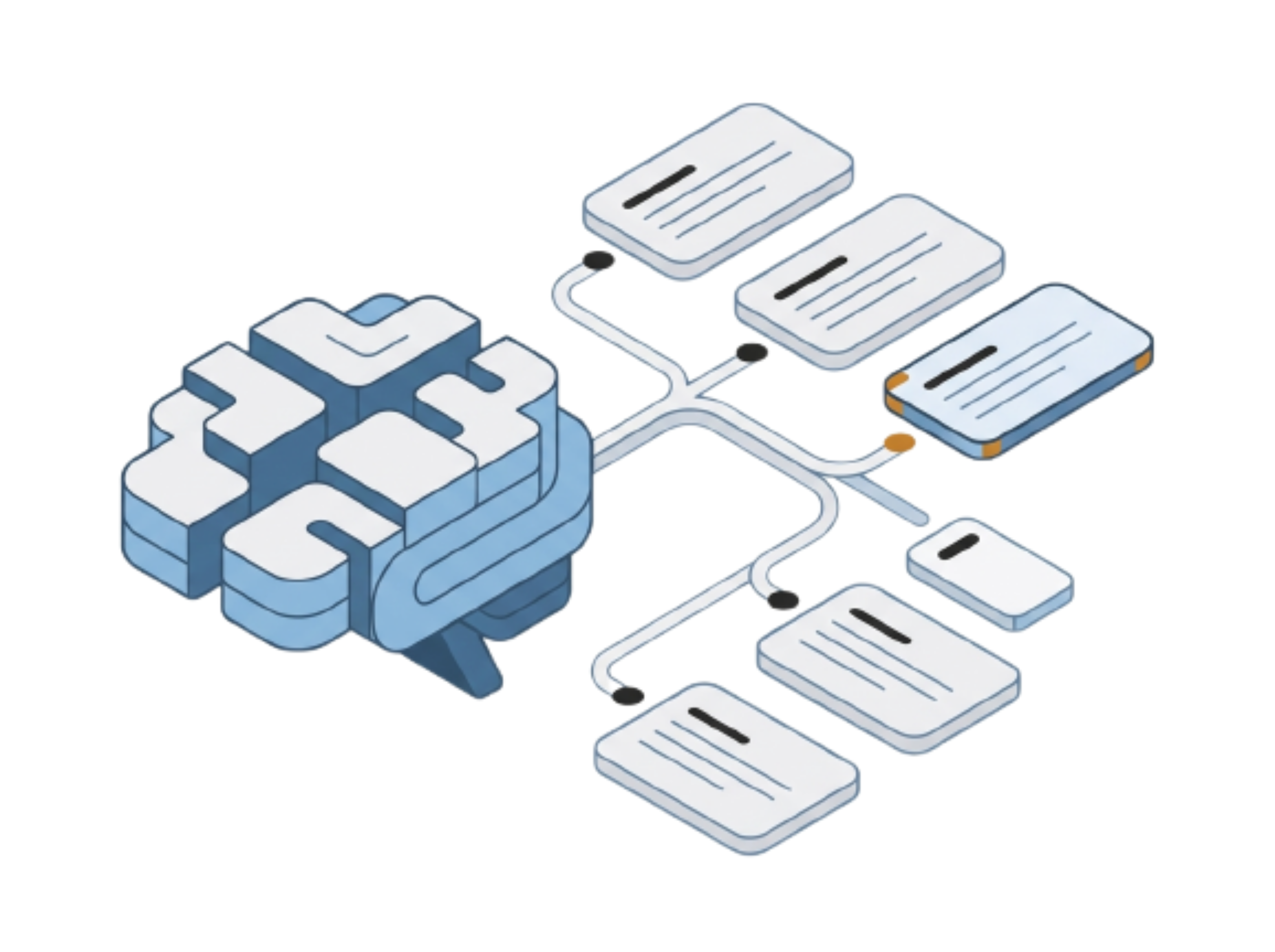
Collaborate in real time, sync with GitHub, and let Claude read and write your notes.

Everything you need to
write, plan and share.
From a distraction-free editor to charts, boards, a canvas and real-time collaboration, all inside plain markdown files you own.
Write without distraction
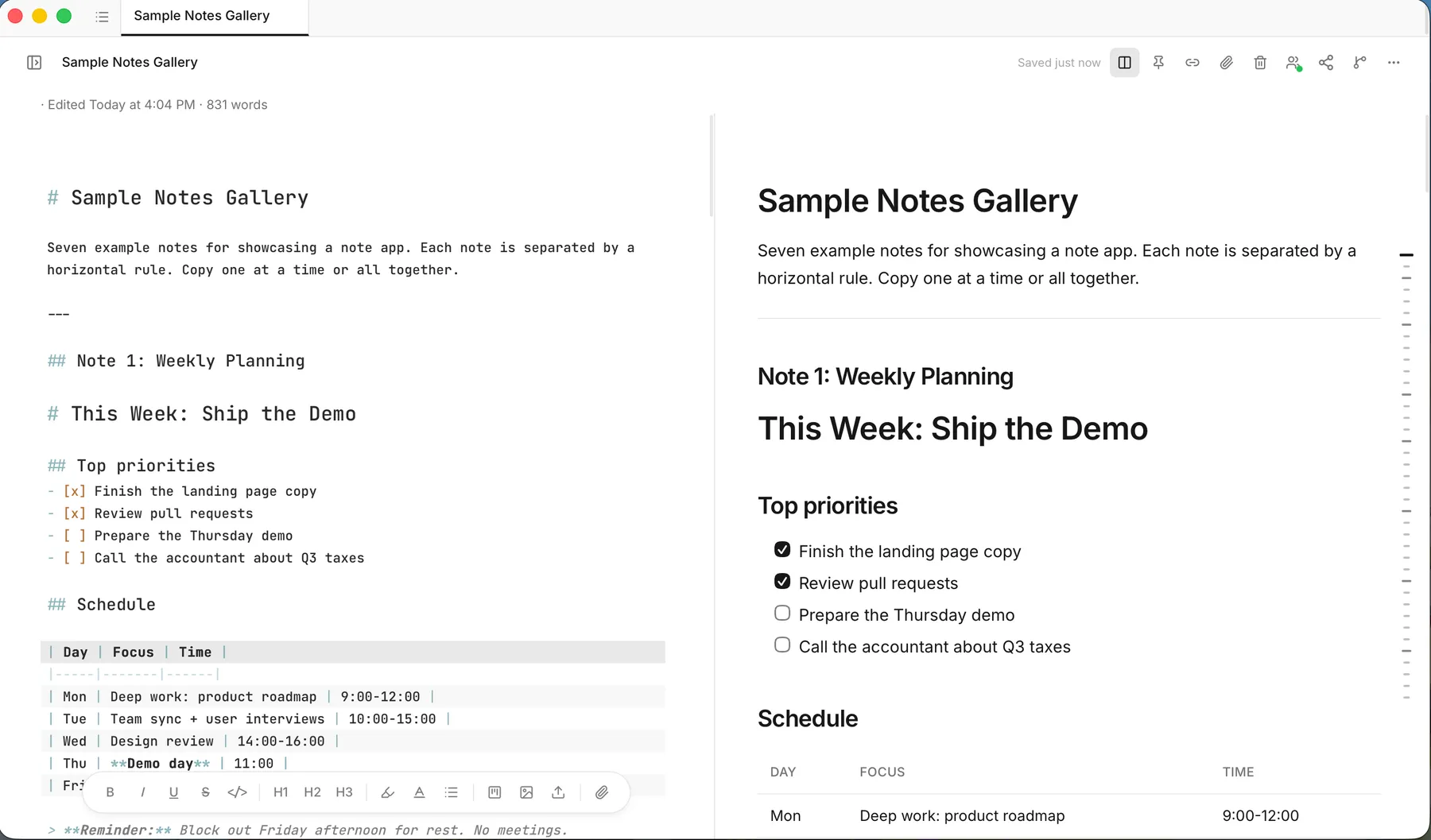
A fast, focused editor with live markdown styling. Type / for quick formatting, switch between Edit, Split and Preview, and write with tables, task lists, code blocks and LaTeX math, all rendered as you type. Use any font installed on your computer.
Charts, tables and boards inside your notes
Notes don't have to be flat text. Add a chart, a sortable table, or a full Kanban board with tasks, due dates and subtasks directly inside a note, and see it rendered live in the editor.

A canvas for thinking visually
Sketch diagrams, flows and mind maps in a built-in drawing canvas. Pick a shape, draw, connect and resize, or start from a Flowchart or Mind Map template and attach a note alongside.

A private space to think in points
Jot ideas down as nested points in a personal outline, then switch to a mind map to see them as branches. Reorder, collapse and undo as you go, or drop a brainstorm into any note with /brainstorm.
GitHub sync
Connect your GitHub account once, push any note to a repository as a .md file, and pull the latest version back with a click. It's a good fit for project READMEs and docs.
Themes and typography
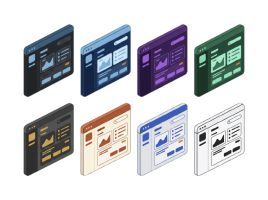
Choose from eight built-in themes or build your own with a live preview. Code highlighting follows your theme, and on macOS you can turn on a frosted-glass sidebar.
Export and share
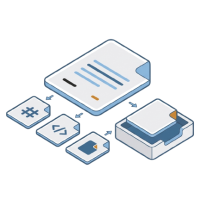
Export any note as Markdown, standalone HTML or PDF, with math and code highlighting carried over. Preview before you export, or copy to the clipboard in one click.
Your files, your rules
Plain text outlasts every app.
inkwell stores notes as ordinary markdown with a small hidden config folder. The format is Obsidian-compatible, so you can open the same vault in other tools whenever you like.

Download Inkwell
Free on every desktop. Open it, pick a folder, and start writing. No account, no sign-up.
- Download for macOSYour systemUniversal: Apple silicon & Intel · .dmg · 15.8 MB
- Download for WindowsYour system64-bit (x64) · .exe installer · 6.0 MB
Also available as .msi
- Download for LinuxYour systemx86_64 · .AppImage · 87.3 MB
Version 1.0.4Release notesAll releases
Frequently asked questions
Is inkwell free?
Yes. inkwell is open source under the MIT license.
Where are my notes stored?
On your computer, as plain .md files in the vault folder you choose.
Do I need an account?
Not to write. An account is only needed for real-time collaboration.
Can I use it with Obsidian?
The vault format is Obsidian-compatible, so you can open the same folder in both.
Can I sync across devices?
Yes. Use any folder-sync tool (iCloud, Dropbox, Syncthing, git); inkwell's vault watcher picks up external changes and warns you about conflicts. For sharing with other people, use built-in collaboration.
How many teams can I create?
Each account can own up to 2 teams, with no limit on teams you’re invited to.
How does the Claude integration work?
inkwell includes a local MCP server. Add it to your Claude Desktop config and Claude can list, read, search, create and update notes in your active vault.
Which platforms are supported?
macOS, Windows and Linux.
Can I export my notes?
Anytime: Markdown, HTML or PDF. They're already just files, too.
Your notes deserve
a home you own.
Download inkwell, pick a folder, and start writing in plain markdown.
Download inkwell